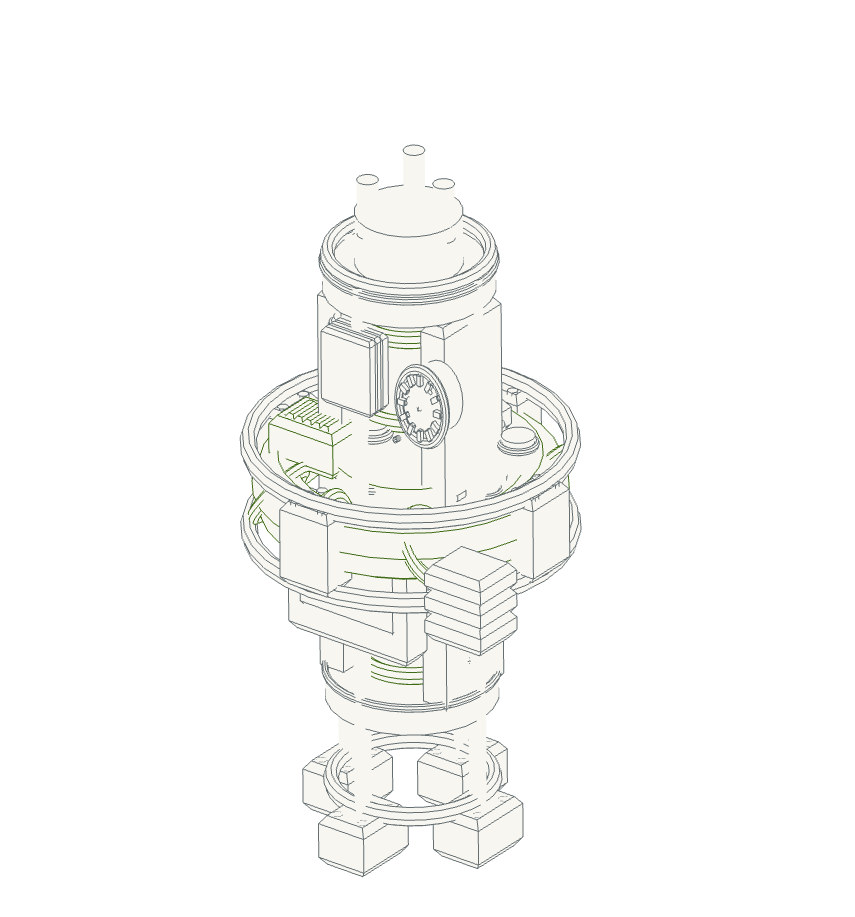




Model in Blender.
Use Blender’s modelling tools and modifiers, or ask Chat to model for you. Your work saves as .blend files.
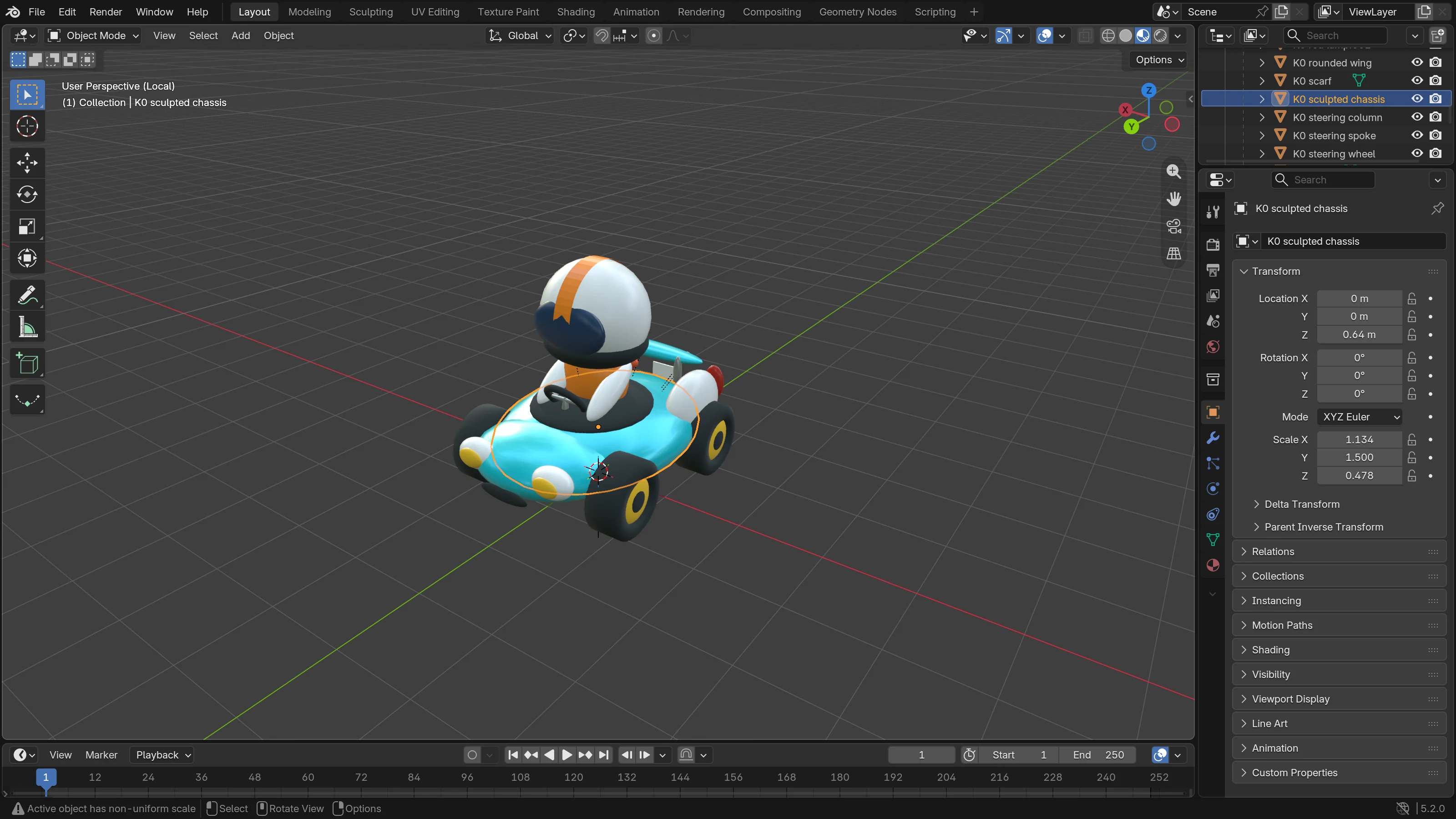
 videogame.ai/Cyclotron
Cyclotron is a free, open-source game editor. Ask your AI to model in Blender, write the gameplay and build the UI, then play your game in the same window.
Works with the ChatGPT or Claude subscription you already have.
Or try it in your browser ↗ In Chrome or Edge on a computer; no AI chat yet.
Opens your mail app with the link in it; send it to yourself. Cyclotron runs on a computer, with the ChatGPT or Claude subscription you already have.
Cyclotron’s Chat panel runs your AI. You ask, and it edits the model, the gameplay code and the UI.
Install it free with one line, and use the ChatGPT or Claude subscription you already have. In Chat, click Sign in with ChatGPT. If Codex or Claude Code is already signed in on your computer, Chat uses it.
Cyclotron adds no account and bills nothing.
Download freeBlender and Play in a browser tab, with nothing to install, in Chrome or Edge on a computer. It doesn’t run in Safari yet, and has no AI chat yet.
Open Cyclotron ↗For a computer’s browser, not a phone.
A Volter account will bring AI chat to the browser editor:
None of this is available yet.
Join the waitlist
Opens your mail app, addressed to contact@videogame.ai.
Use Blender’s modelling tools and modifiers, or ask Chat to model for you. Your work saves as .blend files.
three.js renders the Blender scene and plays its animations. Your TypeScript play script runs the gameplay.
Create HUDs, menus and controls as React components. Preview their states together on the UI canvas.
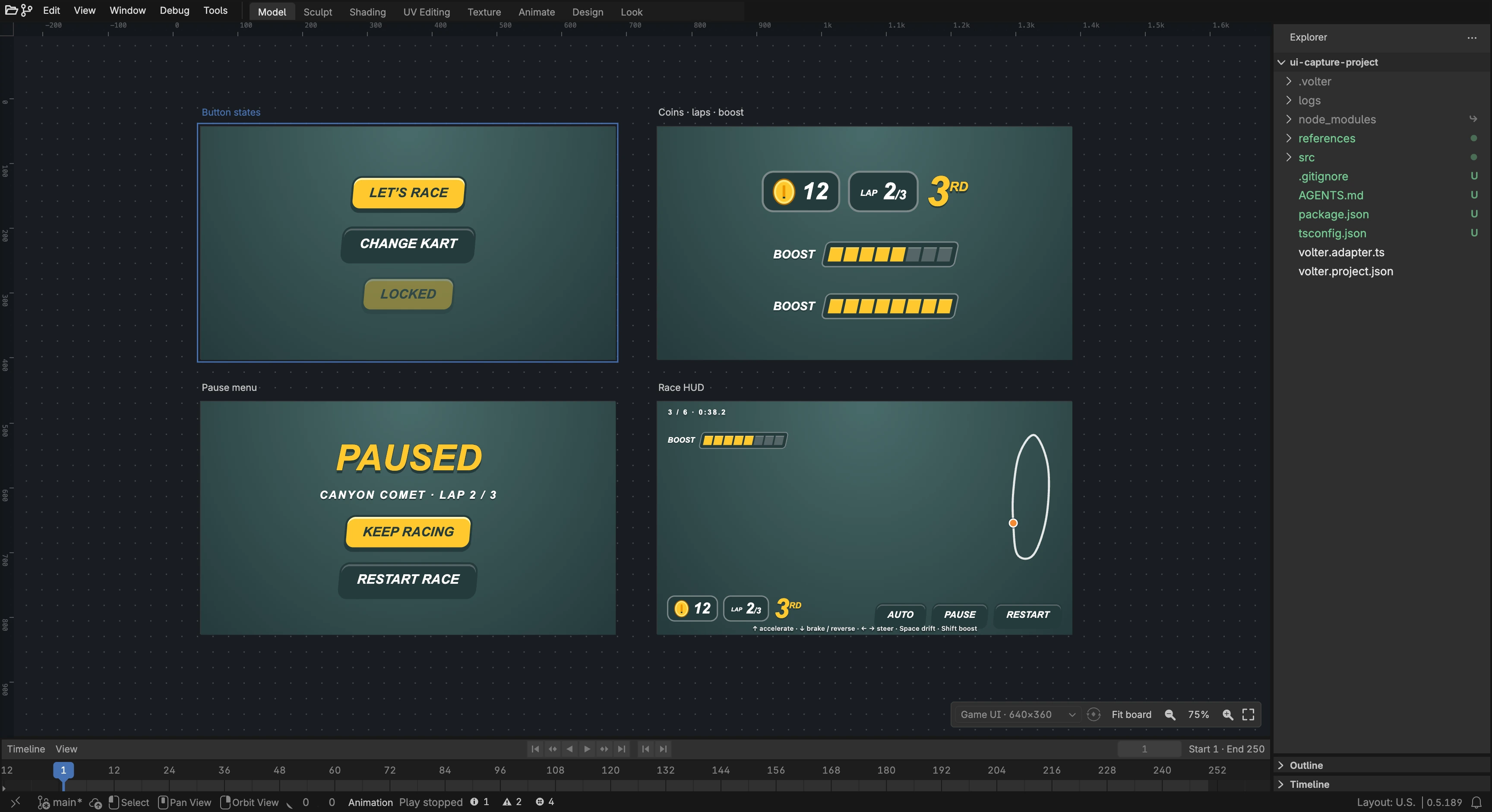
In Chat, your AI edits the Blender model, writes the gameplay code and builds the UI, on the ChatGPT or Claude subscription you already have.
Code-OSS, the open-source core of VS Code, with GitHub integration and VS Code-compatible extensions.
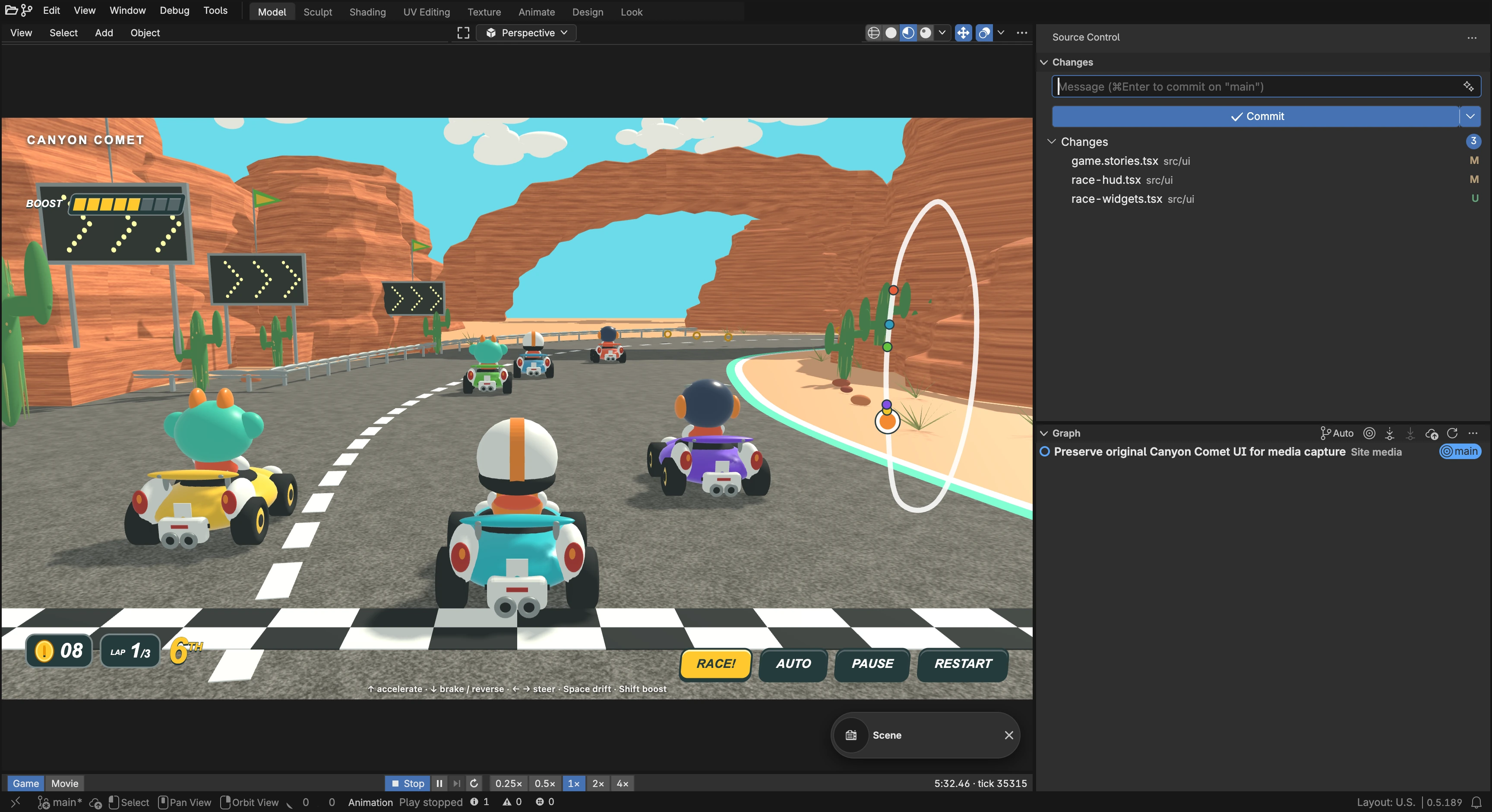
WebAssembly runs Blender inside a browser tab, alongside the editor and your game. The browser version has no AI chat yet.
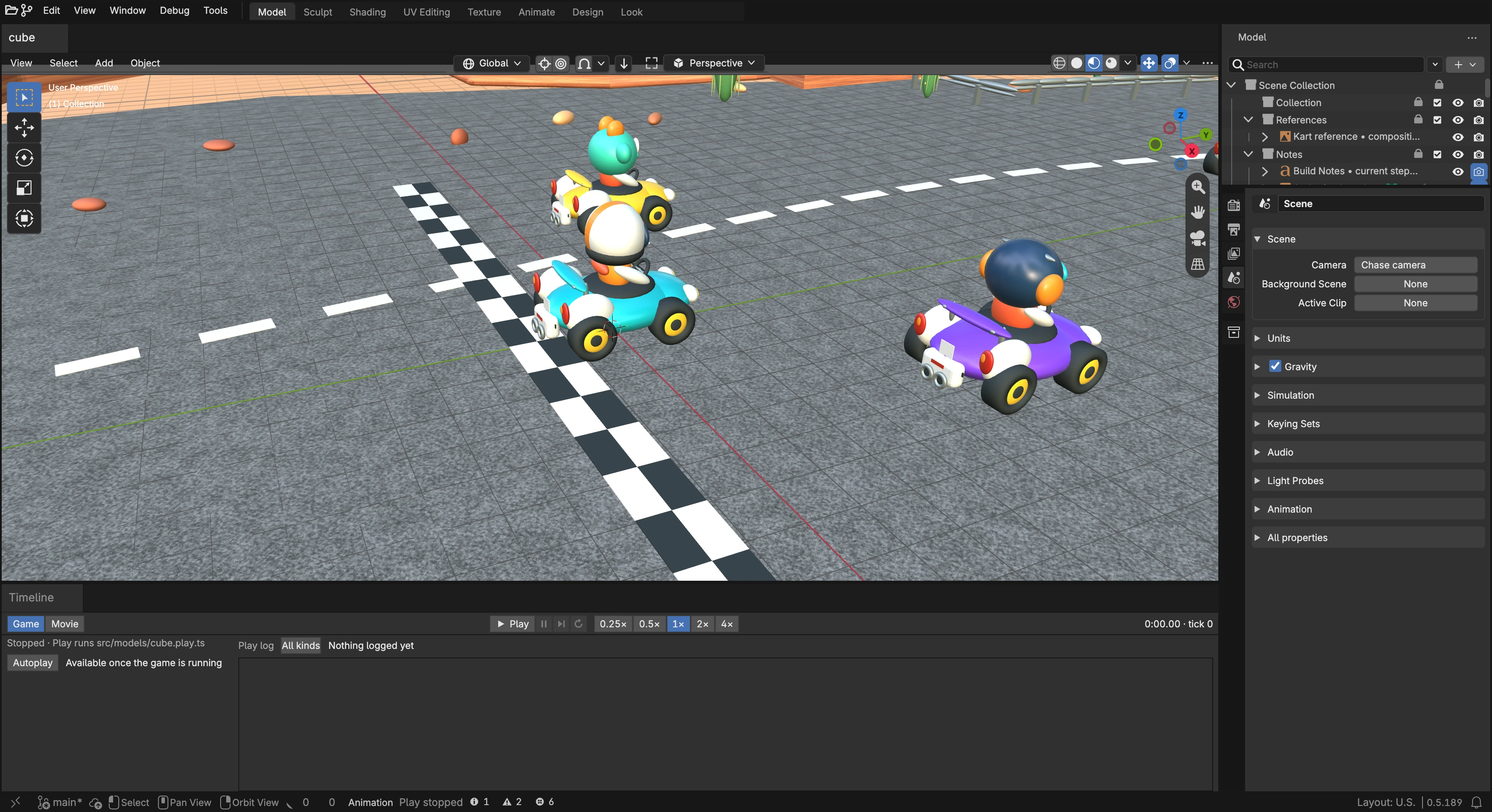
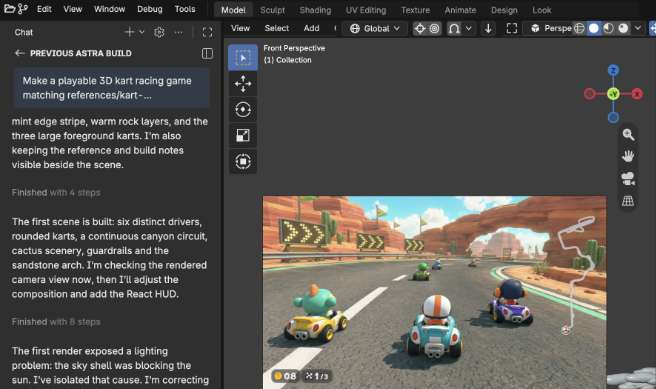
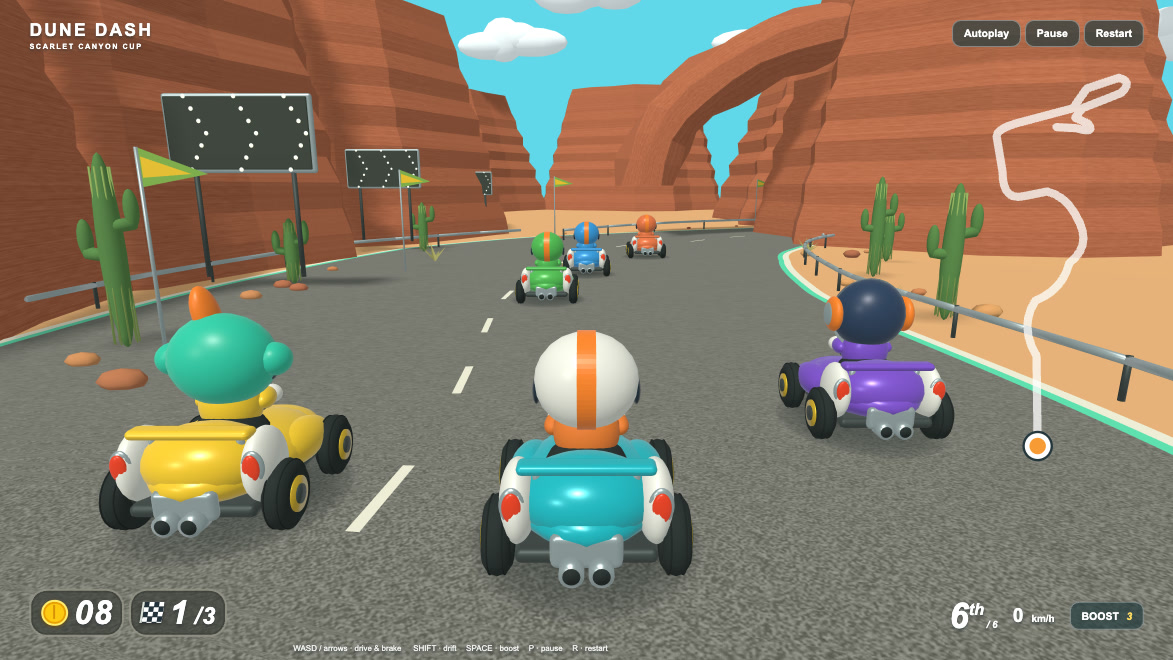
Give your AI a reference image and a brief. It builds the models, gameplay and UI. Here’s a racing game built that way, in excerpts at 8× speed.

The browser editor and the install lines are for a computer, not a phone. Send yourself the link and open it there.
Email me the link for my computerOpens your mail app with the link in it; send it to yourself.
Blender and Play, nothing to install. The AI chat needs the installed version ↓
Everything, with the AI chat. Windows, Macs with Apple Silicon, and Linux on x64. Nothing else to install.
Open PowerShell from the Start menu, paste this and press Enter.
irm https://cyclotron.videogame.ai/install.ps1 | iexOpen Terminal, paste this and press Enter.
curl -fsSL https://cyclotron.videogame.ai/install.sh | shCyclotron opens in your browser with a starter racing game. Paste the line again any time to reopen it.
It uses your Node.js 24, or puts Node.js 24 from nodejs.org in ~/.volter/node after checking its checksum, and makes your game in ~/Cyclotron/my-race. Nothing outside your home folder changes.
The same editor, if you already have Node.js 24. On Windows, use Command Prompt.
npx @volter/cyclotron create my-race --template playableTo reopen it, run npx @volter/cyclotron in that folder.
To change the editor itself.
Clone volter-ai/editor and follow its Building from source.
Let’s build together.
Get help automating development and maintenance.
Collaborate with usBring game creation tools into your platform.
Build with usSet up automation across your games and studios.
Partner with us


 Cyclotron ×